When someone nearby searches “coffee shop,” “plumber,” or “bookkeeper near me,” Google doesn't show ten blue links — it shows a map with three businesses. Getting into that map pack has nothing to do with your website's SEO budget and everything to do with a free listing most owners set up once and abandon: the Google Business Profile.
Google's own guidance says complete business information and actively managed reviews help a profile rank in local results. Here's the 30-minute setup, and the one ongoing habit that does most of the work.
Step 1: Claim and verify your business
Go to business.google.com and search for your business — it may already exist as an unclaimed listing. Claim it (or create it), then verify. Verification is usually a video call, a phone code, or a postcard depending on your business type. Do not skip or fake any detail here; suspended profiles are painful to recover.
Step 2: Complete every single field
Google openly favors complete profiles. Fill in categories (primary category matters most — be specific: “family law attorney,” not “lawyer”), hours including holidays, services with descriptions, service area, attributes, and the business description. Write the description for customers, not keywords — but naturally mention what and where you serve.
Step 3: Add photos that look like reality
Profiles with photos get dramatically more clicks and direction requests. Upload your storefront, interior, team, and work examples — real photos, not stock. Add a couple of new ones each month; recency is a freshness signal and reassures customers the business is alive.
Step 4: Build the review habit — this is the ranking engine
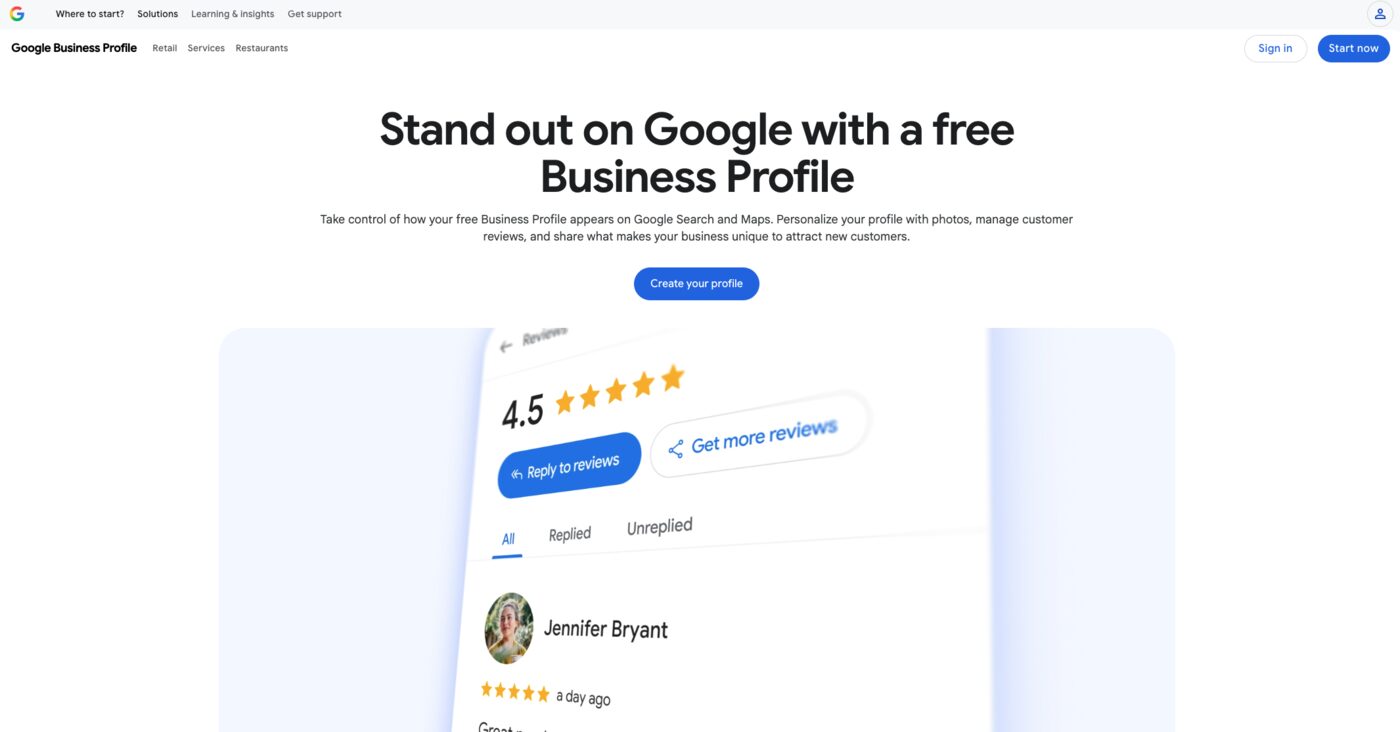
Review count, rating, recency, and your replies are among the strongest local ranking factors. Make it a system: after every happy customer interaction, send your review link (Google gives you a short share URL). Ask five of your happiest past customers this week to seed momentum. Reply to every review — thoughtfully to praise, calmly and factually to criticism; future customers read your replies as closely as the reviews.
Step 5: Post monthly and answer the Q&A
Profiles support small posts (offers, updates, events) — one a month keeps the profile active. Also check the Questions & Answers section: anyone can answer questions about your business, so make sure the accurate answer comes from you.
Frequently Asked Questions
My business is online-only. Is this still worth it?
If you serve customers in specific regions (even remotely), yes — set it up as a service-area business and hide your address. Purely global online businesses get less from it; local and hybrid businesses get the most.
How long until I show up in the map pack?
New verified profiles appear in days, but competitive map-pack rankings build over weeks to months of reviews and activity. The habit matters more than the setup.
What's the single biggest ranking factor?
No official list exists, but practitioners consistently see the combination of primary category accuracy, proximity, and review velocity (fresh reviews arriving regularly) drive the pack.
Someone left a fake negative review. What can I do?
Reply calmly stating you have no record of the interaction, then flag it via the profile's report option. Removal isn't guaranteed, but a professional reply neutralizes most of the damage.