Ask any experienced marketer their biggest regret and you'll hear the same answer: “I started my email list too late.” Social followers belong to the platform. Search rankings belong to Google's next update. Your email list is the only audience you actually own — and starting one costs nothing and takes about an hour.
Here's the exact free setup I recommend to every new business owner, using free tiers that are genuinely usable (not 14-day trials).
Step 1: Pick a platform with a real free tier
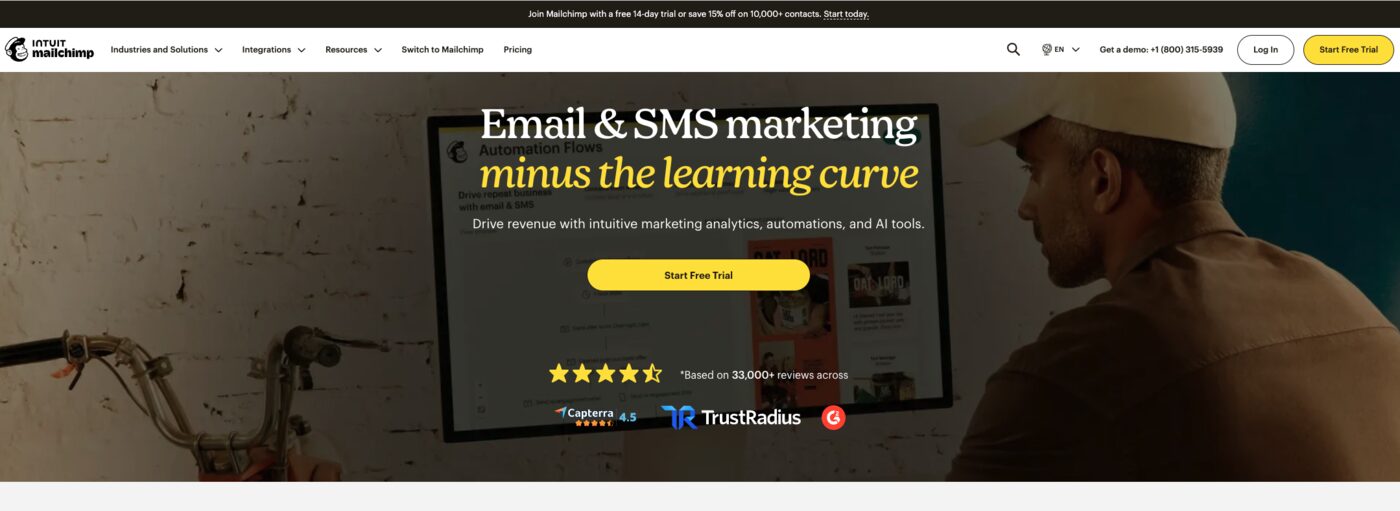
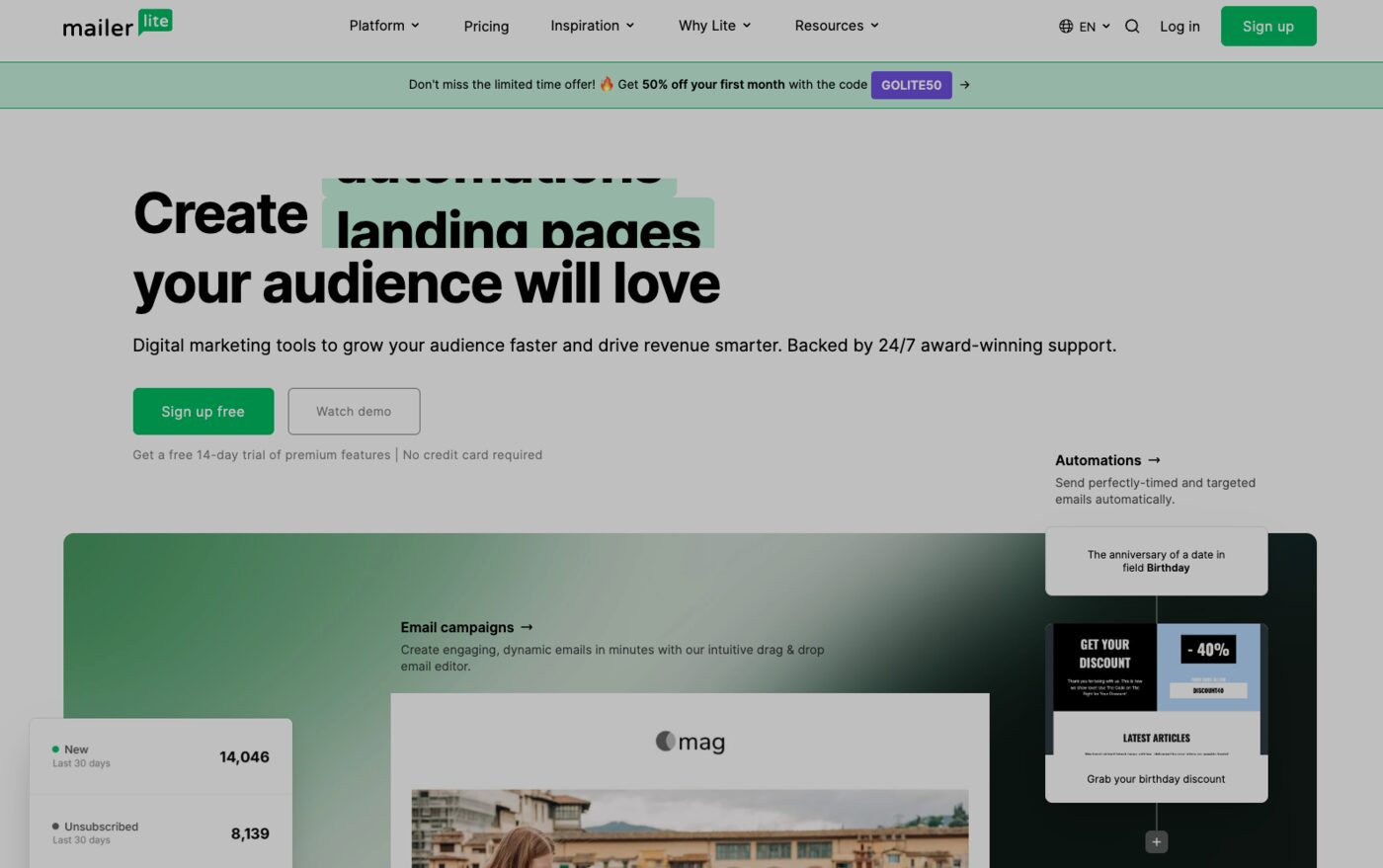
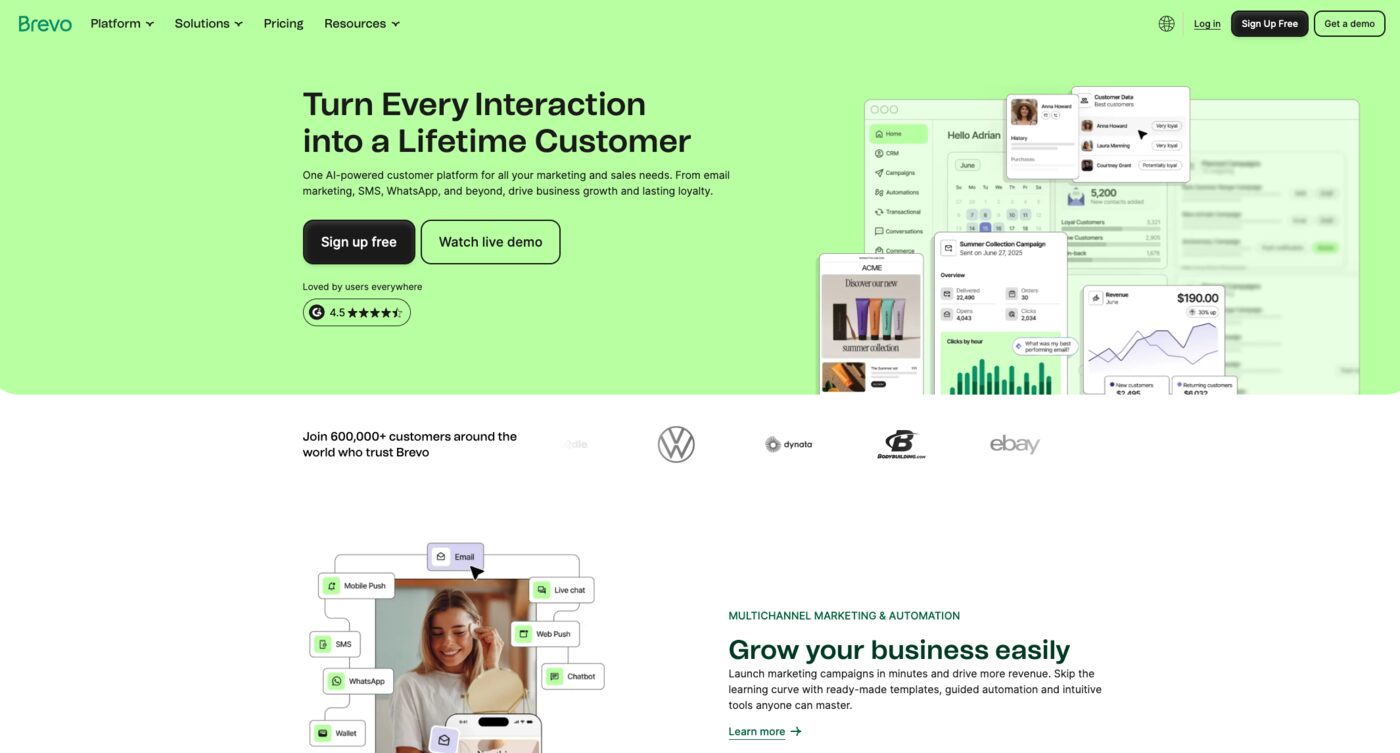
Three good starting points, all covered in our email marketing comparison: Mailchimp (free to 500 contacts — the easiest start), MailerLite (free to 1,000 contacts with automation included), and Brevo (unlimited contacts, 300 emails/day free). Don't agonize — lists are portable, and any of these carries you to your first thousand subscribers.
Step 2: Give people one clear reason to sign up
“Subscribe to our newsletter” converts terribly because it offers nothing. Offer a specific, immediately useful trade: a checklist, a discount code, a short guide, a template — something your ideal customer would want today. One good incentive beats five vague ones.
Step 3: Put the form where people actually see it
Three placements do most of the work: a form near the top of your most-visited page, one at the end of every article (readers who finish content are your warmest visitors), and one on your About page. Every platform above generates embeddable forms — paste and done. Skip the instant popup; if you want a popup at all, trigger it on exit or after 30+ seconds.
Step 4: Write the welcome email now, not later
Set up a single automated welcome email that delivers the incentive, says who you are in two sentences, and asks one question (“what are you working on?” — replies boost your deliverability and teach you about your audience). Welcome emails get the highest open rates you will ever see; don't waste the moment.
Step 5: Commit to a tiny cadence
One useful email a month is enough to keep the list warm — a tip, a recommendation, something you learned. The list you email monthly is an asset; the list you ignore for six months goes cold and starts hurting deliverability. Small and consistent beats ambitious and abandoned.
Frequently Asked Questions
How do I get subscribers with almost no traffic?
Your incentive plus every existing touchpoint: email signature, social bios, invoices, and asking customers directly. Lists start person by person — 50 genuinely interested subscribers outperform 5,000 cold ones.
Can I just collect emails in a spreadsheet?
Please don't. Real platforms handle legally required unsubscribe links, consent records, and deliverability. Free tiers remove any cost excuse.
Is buying an email list ever okay?
No. It's illegal in many jurisdictions (CAN-SPAM, GDPR), tanks your deliverability, and produces zero customers. There is no shortcut here.
What open rate should I expect?
Small, permission-based lists commonly see 35–60% opens — far above industry averages, because everyone actually chose to be there. Protect that by never adding people who didn't opt in.